
Members
Invite people to your workspace by email and give them access based on what they need to manage.

Invite collaborators and give each person the access they need. Share the day-to-day work while keeping ownership of your business.
No card requiredSee it in action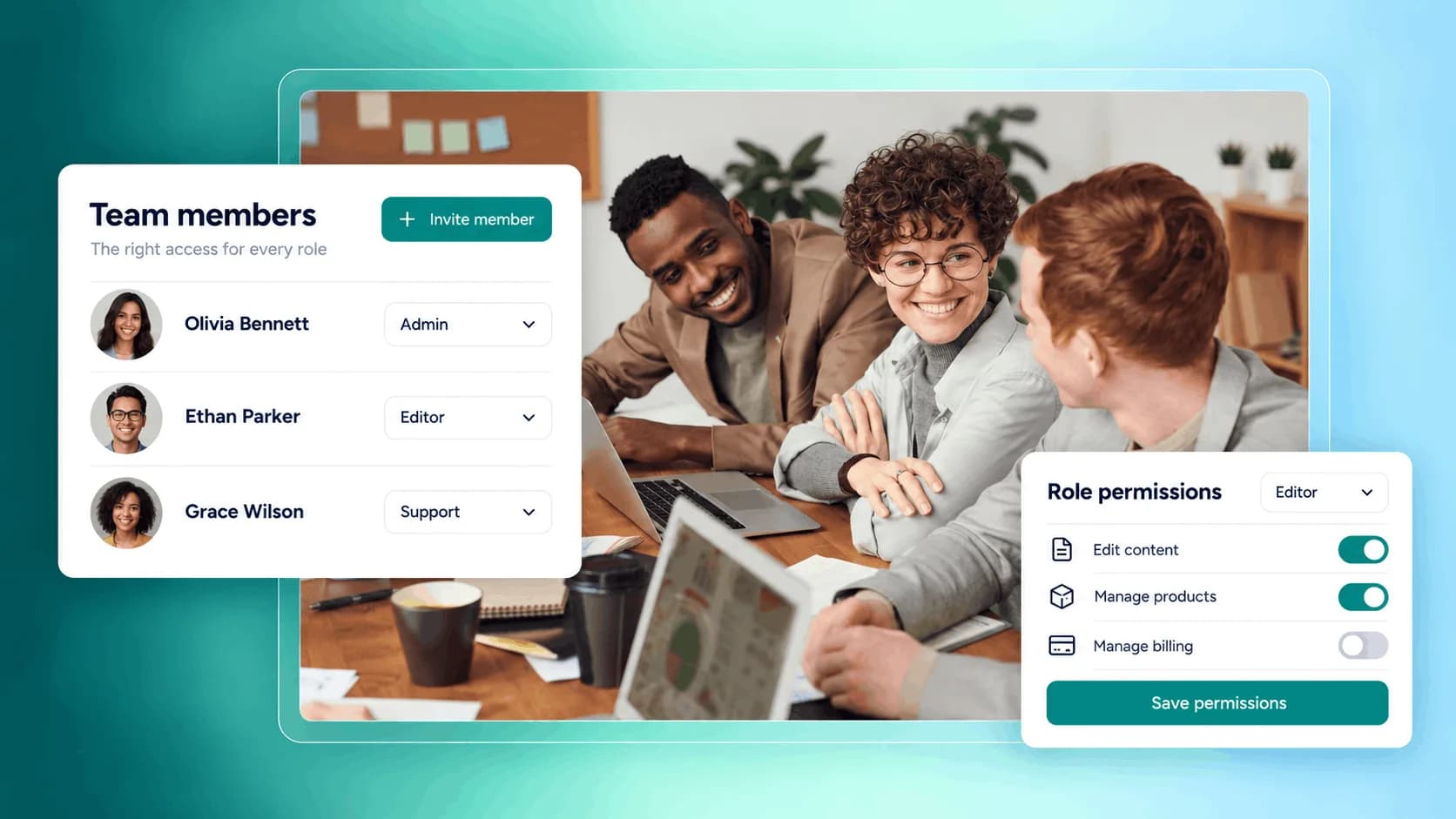
Match the role to the work. Keep ownership where it belongs.
Give a collaborator room to help with your publishing work.
Illustrative example. Your content, your brand, your setup.
The practical tools that help you turn this part of your business into one connected customer experience.
Invite people to your workspace by email and give them access based on what they need to manage.
Choose between Admin, Manager, Editor, Viewer, or No access, depending on how much control each person should have.
As the owner, you keep full control over payouts, your store handle, team access, and workspace ownership.
Give editors access to help with blog posts, apps, marketing content, and media uploads.
Let managers help update products, clients, apps, blog, marketing, and media without giving them full owner control.
Use Viewer access for people who need to see information but should not change anything.
Control roles, manage pending invitations, resend or cancel invites, and remove access when someone no longer needs it.

Website builder

Build offers people can buy
Learn more
Visual drag-and-drop editor
Learn more
Your branded store
Learn more
Identity & look
Learn more
Your own domain
Learn more
Accept secure payments
Learn more
Manual discount codes
Learn more
Automatic timed discounts
Learn more
Structured learning
Learn more
Public articles & insights
Learn more
Bookings & scheduling
Learn more
Branded member community
Learn more
Community access
Learn more
Standalone custom pages
Learn more
Embed any web page
Learn more
Automatic & content emails
Learn more
Visible bar messages
Learn more
Conversion overlays
Learn more
Modern discovery layer
Learn more
Pixels & ad data
Learn more
Store performance
Learn more
Leads, access, subs
Learn more
Roles & collaborators
Learn more
Terms & privacy pages
Learn more
Run Zemers by chat
Learn moreTeam lets you invite collaborators to your Zemers workspace and give each person a specific level of access. You can invite people, change roles, remove members, and manage pending invitations.
Invite collaborators and assign the roles they need. Manage your store together while keeping control of sensitive settings.


